

Choose your use case
These are operator playbooks, not feature lists. Each page states which machine runs each command, what the result should be, what to test, and how to recover.Each playbook uses the installed product CLI. Complete Server installation, then follow the stated Server/Agent role, environment values and expected result.
Remote Access — outside to inside
Internet Access — restricted hosts to approved Internet services
AI and operations
Images below are visual captures of actual DataRelay Link CLI terminal output—not an invented Web UI or synthetic command results. Numbered orange markers point to authentic menu options or result lines. Sources were captured on 2026-10-13/17; sensitive addresses/hosts were masked. Menu choices may change by build: verify the installed menu, help, and
system version.Shared preparation
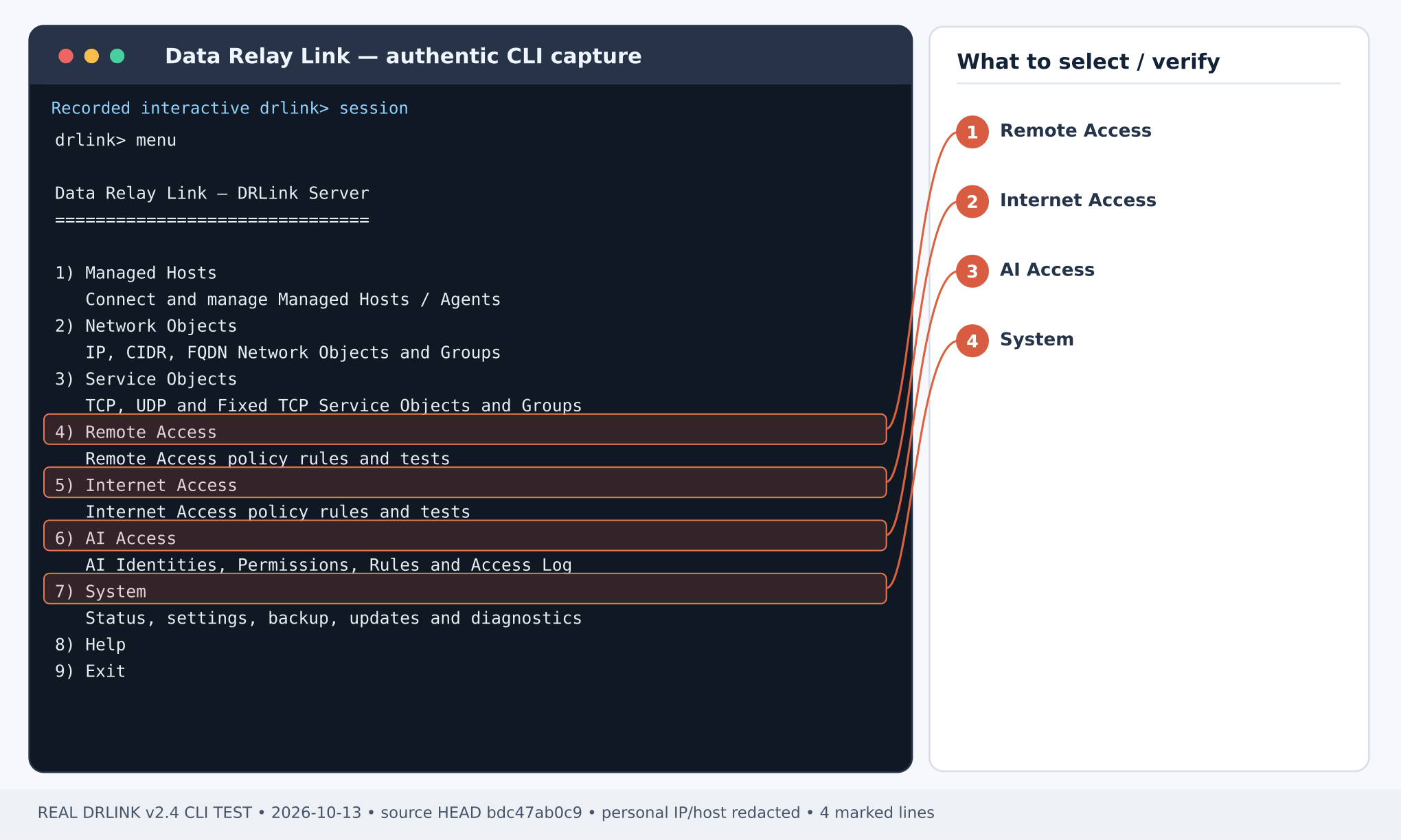
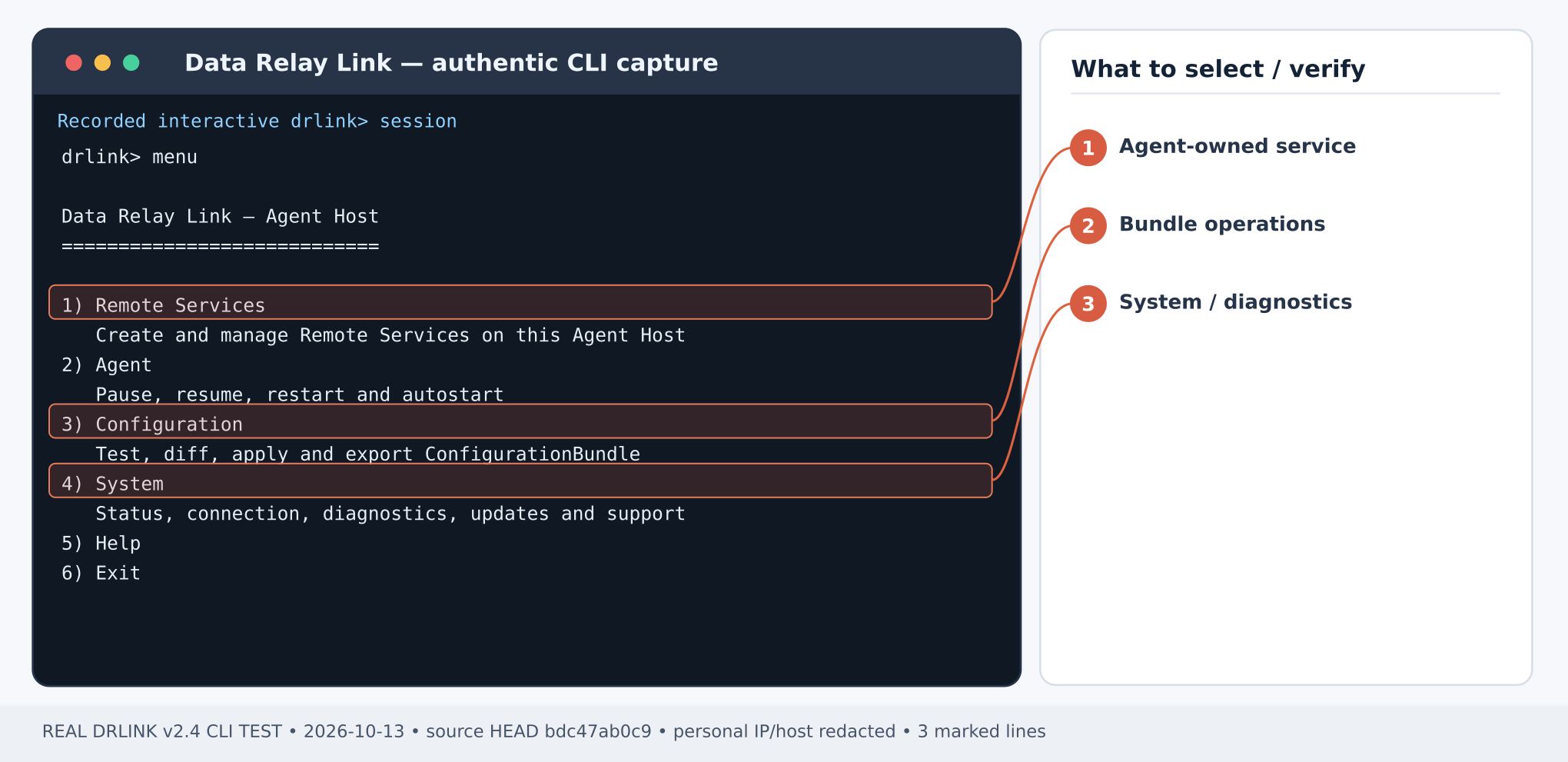
- Complete Server installation, deployment mode, and firewall/NAT using a supported product artifact. Enroll an Agent for Remote Access or Managed Host AI Access; Server-self MCP needs no Agent; agentless HTTP(S) Internet Access does not require one on the protected application host.
- Open a Server terminal and verify role, installed version and health:
- Commands under Server REPL run after entering
sudo drlinkon the Linux DRLink Server. Agent REPL commands run insudo drlinkon the owning Agent Host. Protected host / outside workstation commands run in a normal OS shell on that machine. - Replace all example addresses, hostnames, client names, account names and ports with values from your deployment. Documentation IP ranges (192.0.2.0/24, 198.51.100.0/24, 203.0.113.0/24) are illustrative and do not route on the public Internet.
- A policy ALLOW is not a working connection. Each playbook includes both a policy test and a real application traffic test. A timeout is not proof of DENY: look for the actual policy decision/audit.
- Before changing production-facing policies, assess existing access, preserve a validated backup and use a maintenance window if interruptions are possible. Data Relay Link does not configure external firewalls, DNS, SSH users or TLS certificates on your behalf.
When something differs
Run help commands,system diagnostics and the corresponding show / test command on the installed product. Review CLI reference, troubleshooting and version and updates. Stop if your CLI rejects the documented command; do not invent hidden or legacy syntax.
New AI workflows — 2026-10-28
Server-self operations need separate authorization but no Agent. AI operations on Managed Hosts need a trusted Agent. Screenshots show CLI output examples; MCP examples use the tool arguments alongside the steps.