

Grant an AI assistant read-only access to one Managed Host
Outcome: A verified AI client can request host/process information from branch-a but cannot execute commands or access unrelated hosts merely by supplying an AI display name.Remote MCP needs single443 and trusted public HTTPS. Complete Claude/ChatGPT setup and use a separate least-privilege identity for this exercise.
Step 1 — confirm topology and Agent
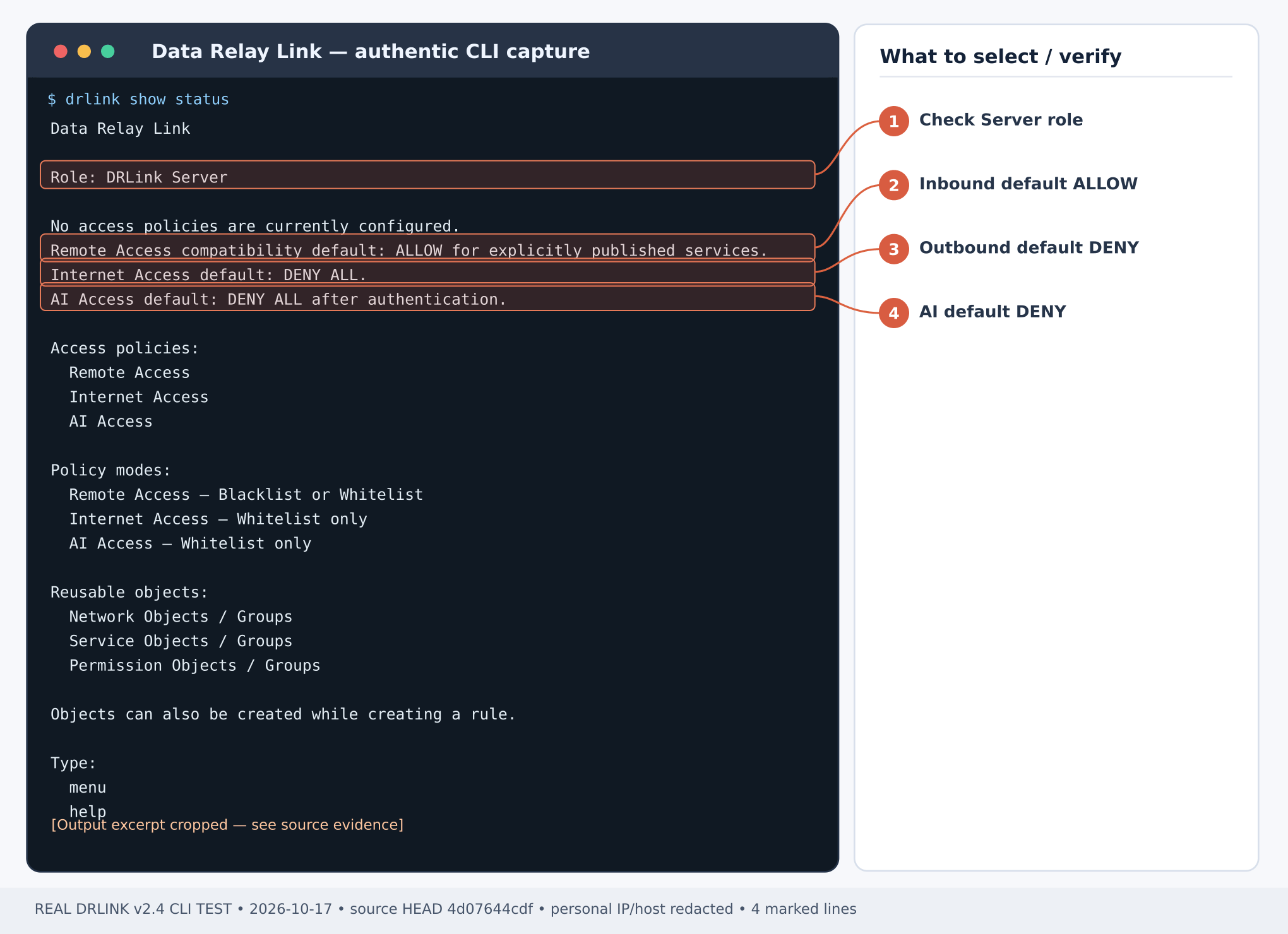
Step 2 — create an identity and read-only Permission Object
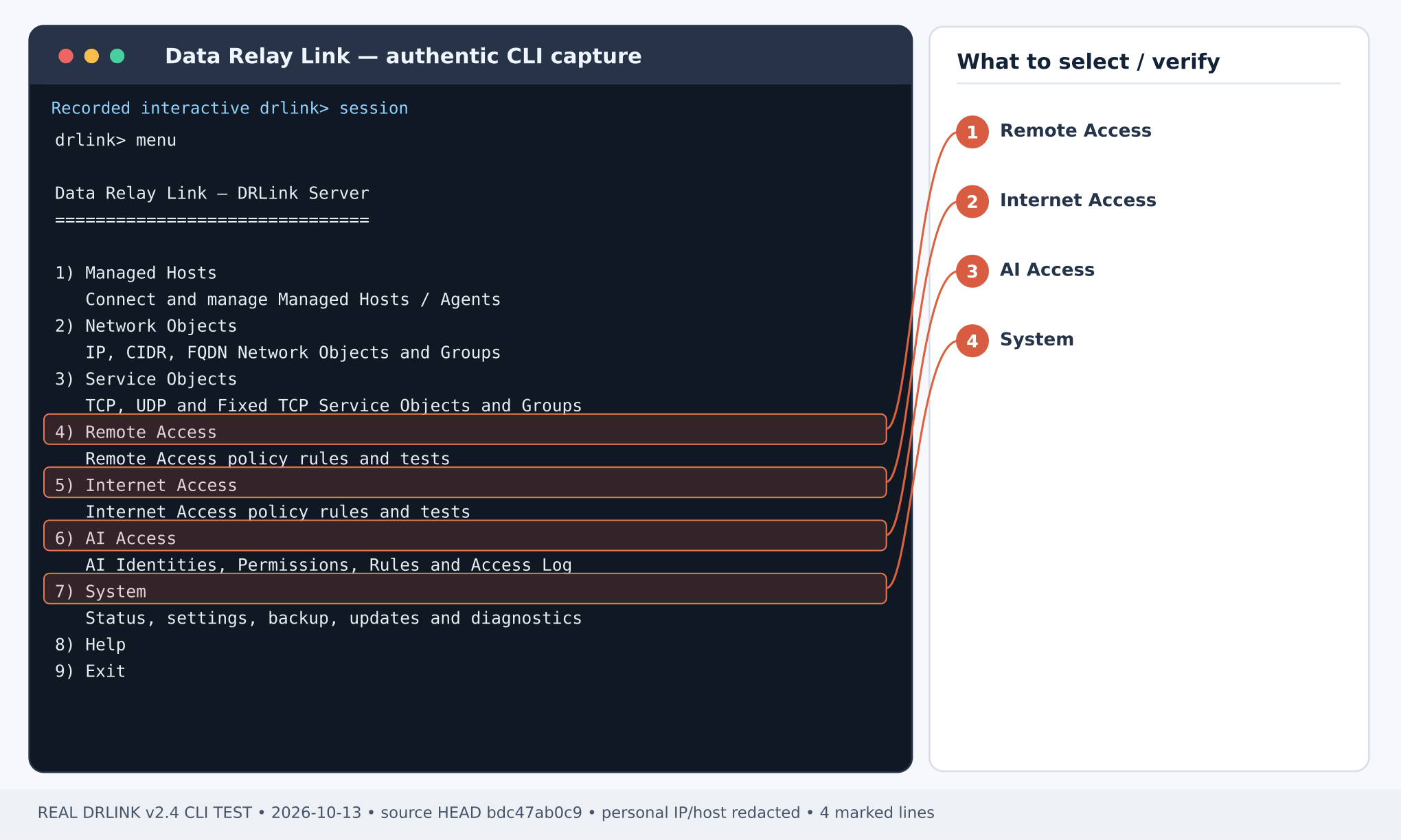
set ai-identity wizard establishes the identity definition. For an interactive AI client, configure the supported OAuth Authorization Code authentication flow. Example CLI authentication-mode setting, subject to the actual client/Server contract:
Step 3 — authorize only the necessary target and permission
Server REPL:Step 4 — prepare the public HTTPS MCP origin
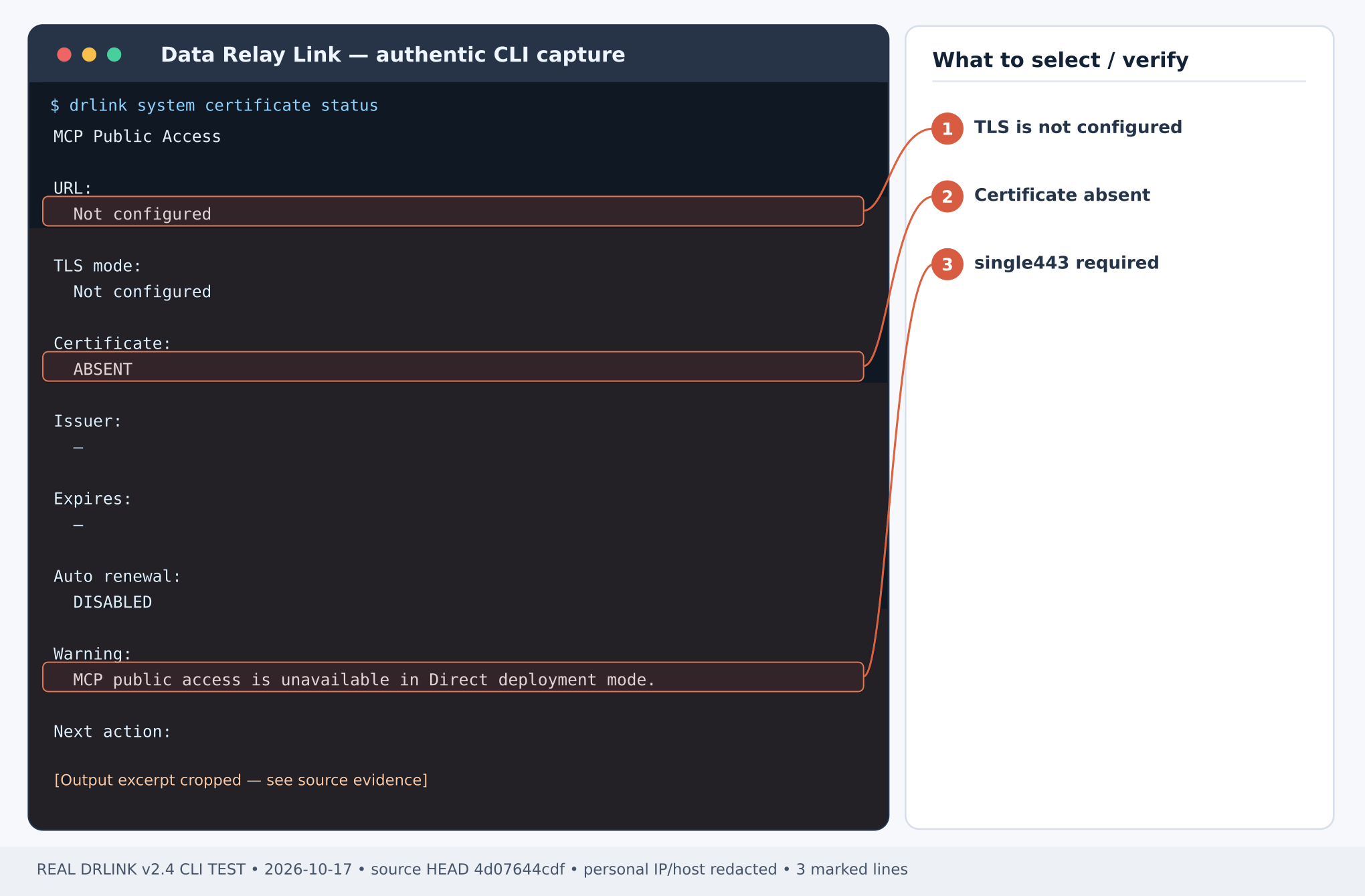
Step 5 — connect Claude or ChatGPT and verify the read-only identity
- In a compatible remote-MCP client, add a custom remote MCP server using https://mcp.example.net/mcp. The exact client menu and plan capabilities are determined by that client; do not attempt an unsupported plan workaround.
- Complete its OAuth Authorization Code login/consent. Match the authenticated client principal to the intended auditor-ai identity according to the configured credential binding; approve a pending request only after verifying the principal.
- Discover the exposed tools. Request host-info on branch-a: expected authorized result.
- Request a command execution or another out-of-scope operation: expected policy DENY, not a successful command.
- In Server REPL, review:
Recovery and least privilege
A failure may be OAuth authentication, external TLS, client capability, Agent trust or policy. Diagnose each boundary individually. Avoid broad permissions, file access without rule-bound paths, and unnecessary command execution. Revoking a credential withsystem credential revoke ai-identity auditor-ai interrupts that identity; use only when the security owner intends it. To retire the rule, review effects before unset ai-access auditor-host; do not remove unrelated identities or MCP certificates.
Current behavior check — 2026-10-28
Claude and ChatGPT real MCP tests are complete; follow the client-specific setup guide. Verify the complete effective policy, including the initial owner mcp-owner-full-access Rule. Adding observer does not remove an earlier command-exec grant. A distinct non-owner identity is required for this read-only exercise when the owner already has broader access. Current CLI inventory · MCP compatibilityAdd a scoped log-reading exercise
If the operator has prepared a nonsensitive /var/log/myapp/health.log on branch-a, use the app-reader Rule in the AI Access file example. Ask Claude/ChatGPT for read_file on that path only. Do not grant command-exec or other paths. Include path in policy tests, then separately verify file existence/OS access and actual allowed/denied tool results. For a new Managed Host used only for MCP, useset enrollment bulk, count 1, with a blank SSH username for management-only registration. Choose Remote Services requires at least one service. Publishing SSH/RDP is unnecessary; reuse an enrolled host without re-enrollment.